
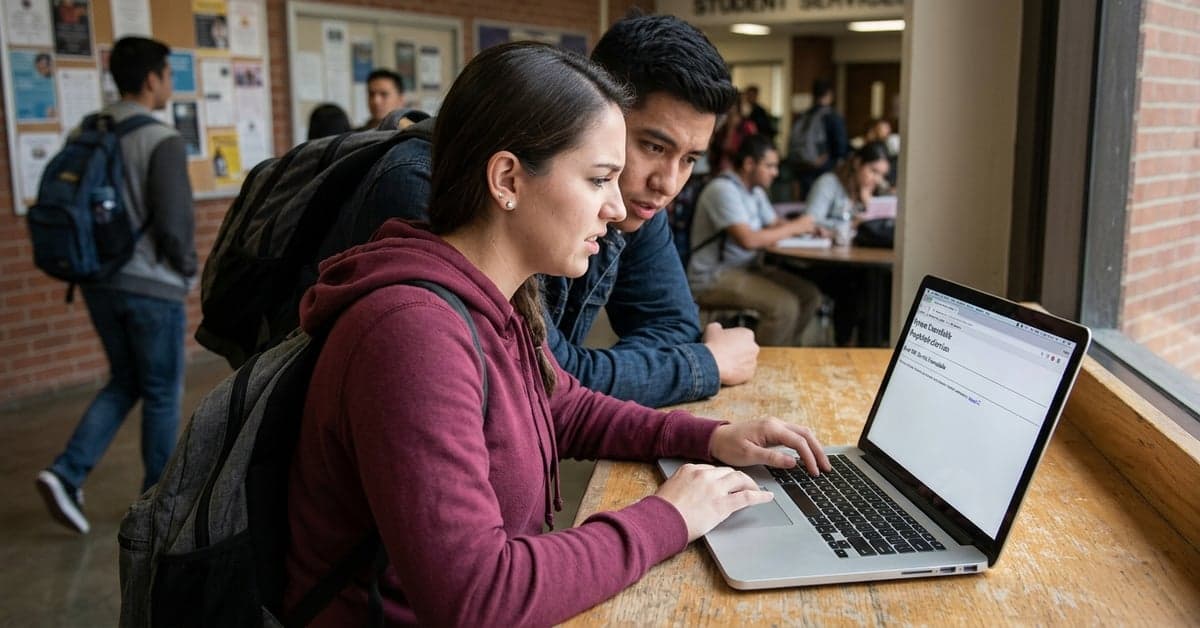
On August 27, 2026, the Los Rios Community College District posted a notice of a PeopleSoft eServices outage on its official news page. The district did not share technical details in the listing, but timing matters as students finalize schedules and payments at the start of fall term. The question is simple: what does a PeopleSoft eServices outage actually mean for students and staff, and what can they do while it’s down? (Los Rios)
Los Rios confirms PeopleSoft eServices outage, no details yet
According to the Los Rios Community College District news page, the PeopleSoft eServices outage was posted on August 27, 2026. The short item did not include a root cause, a maintenance window, or a recovery estimate. That lack of context is common in first alerts, which often arrive before IT teams can verify scope. Still, even a brief disruption can create friction for students and advisors near add/drop deadlines, aid checkpoints, and fee due dates. (Los Rios)
PeopleSoft underpins many core student tasks at U.S. colleges. Oracle’s Campus Solutions suite typically covers admissions, enrollment, records, advising, financial aid packaging, and student financials. When that front door stalls, routine clicks turn into service tickets and lines. (Oracle PeopleSoft Campus Solutions)
How a PeopleSoft eServices outage hits a community college
A community college district runs on high volume and tight calendars. A PeopleSoft eServices outage can ripple across several workflows in a single afternoon. Students may be unable to swap a section that just opened, view their account balance, or accept aid. Advisors may lose real-time access to holds and degree progress. Cashiering teams can’t reconcile payments that would normally post instantly to student records.
None of this guarantees every function is down at once; large deployments often segment services. But any choke point in the student information system raises the cost of delay. A class waitlist that clears while the portal is unavailable can force manual follow-up. A payment that can’t post today may trigger an avoidable late fee tomorrow if policy and communication don’t keep pace.
Student workarounds during portal downtime
When the portal is slow or unavailable, a few practical steps reduce the risk of missed tasks:
- Use alternate channels. Many colleges accept add/drop requests, payment questions, and record updates by phone or in person when systems are down. Check the college directory for office extensions and hours.
- Document your intent. If a deadline is near, send a timestamped email to the relevant office (admissions, records, financial aid) describing what you were trying to do. Keep screenshots if the system errors out.
- Mind your aid tasks. Some steps—like FAFSA corrections or entrance counseling—live on federal systems and remain available even during a campus system incident. Start at studentaid.gov while campus systems recover.
- Track course access separately. If your classes use an external learning platform, you may still reach course materials while the student information system is down. Check your instructor’s notes for direct links.
- Watch official status updates. Colleges often post updates on their news page or social channels as teams triage. Refresh sparingly and wait for a clear all before retrying high-stakes actions like payments.
The goal is to stay on track without compounding errors. If a PeopleSoft eServices outage overlaps with a date that affects enrollment or billing, your paper trail helps staff resolve any knock-on issues.
IT playbook: communicate early, shorten the outage tail
Two decisions shape how painful an outage feels: how quickly leaders acknowledge impact, and how clearly they direct alternatives. Higher ed IT groups that publish a single, permanent status location—and update it on a clock—reduce inbound confusion and rumors. EDUCAUSE’s guidance on incident communications underscores plain language, time-stamped updates, and practical next steps for students and faculty. (EDUCAUSE research)
Technical teams can also stage “grace policies” in advance. If eBilling or payment posting is down, pre-authorize late-fee waivers tied to the incident window. If enrollment is affected, extend add/drop or promise manual backdating. The NIST SP 800-34 playbook on IT contingency planning isn’t written for colleges specifically, but its core advice applies: identify mission-essential functions, define manual workarounds, and rehearse recovery steps before the next incident lands.
Finally, close the loop publicly. A brief post-incident summary—what failed, what was learned, and what will change—builds trust. Students and staff care less about blame than whether the next PeopleSoft downtime will be shorter and better signposted.
Why reliability matters for fall events at Los Rios
System reliability is more than a back-office metric at Los Rios. The district’s news page also highlights activity that depends on on-time communication and sign-ups: “Los Rios Celebrates LGBTQ+ History Month,” posted on September 21, 2026, invites the community to celebrate during October; “Los Rios Celebrates Latinx, Chicanx, Hispanic Heritage Month,” posted on September 15, 2026, spans September 15 through October 15; and “Undocumented Student Success Month,” posted on September 14, 2026, outlines support for undocumented students. Each touchpoint is easier to reach when student services and alerts are working smoothly. (Los Rios)
Fundraising depends on timing as well. The district’s “Athletics Day of Giving” entry dated September 16, 2026, calls on supporters to back athletic programs at all four colleges. A donation page that loads fast, and records gifts accurately, matters on days built around momentum. Outages drain that momentum.
That’s the real takeaway: a brief portal hiccup can cascade across calendars that students, staff, and donors all share. Clear updates and well-worn backup paths keep a blip from becoming a week-long backlog.
For now, Los Rios has acknowledged the issue and moved on with fall programming. If you were blocked from a task during the PeopleSoft eServices outage, contact the relevant office with your documentation and ask about deadline flexibility tied to the incident window. That conversation is easier when both sides can point to a dated notice and a simple timeline. For more on this, see bloomberg.com and nytimes.com.
Related reading: AI in Education • Data Privacy • AI in Society