
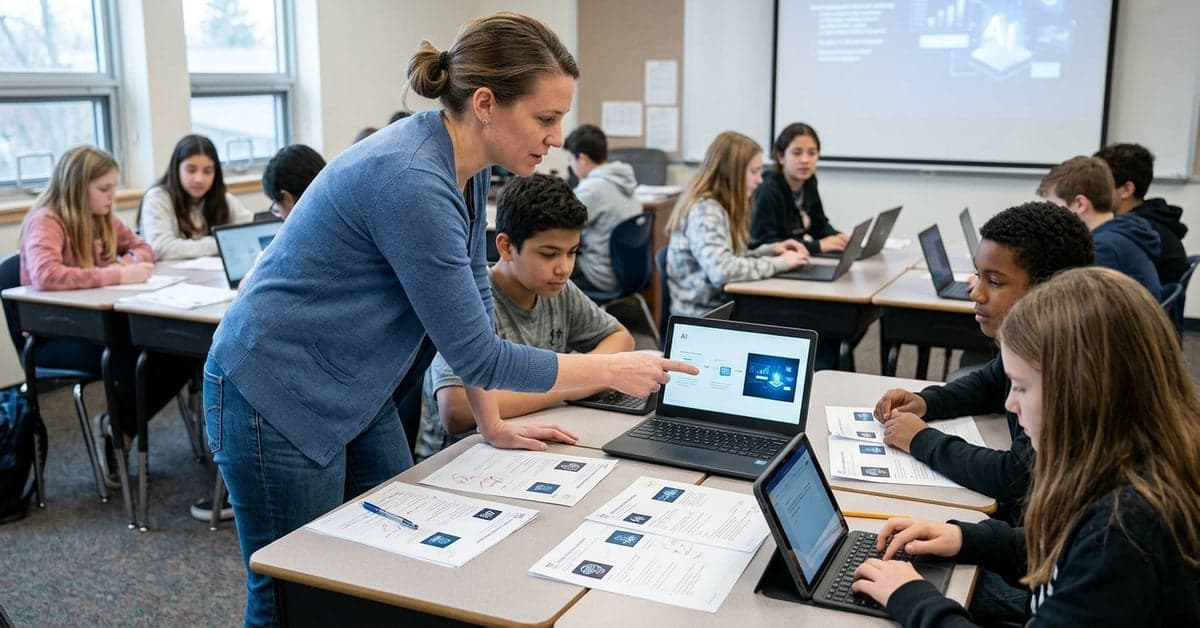
The News Literacy Project offers a free, classroom-ready bundle of AI lessons, quizzes, and slides built for teachers under time pressure. Its mix of quick prompts and deeper explorations makes these AI classroom resources practical to use tomorrow, not someday, and they’re written in plain language students can grasp.
What’s in the News Literacy Project’s AI classroom resources
According to the News Literacy Project’s AI hub, educators get a set of adaptable tools designed to fit different class lengths and goals. Headliners include a “6 Things to Know About AI” infographic, which distills six takeaways about how AI systems work and where they fall short. There’s also an “AI or not?” lesson plan with activity slides that has students test their judgment on machine-made versus human-made material.
The package extends beyond single lessons. The Sift—NLP’s weekly classroom newsletter—offers “Daily Do Now” slides on AI, a Sift quiz on artificial intelligence, and deeper explainers like “What is AI?” and “AI Chatbots.” For students wrestling with the flood of synthetic images and claims, the “AI-generated news or not?” slides and a “Fact-checking red flags” quiz give them habits they can reuse across subjects. Each of these is linked from the same hub, keeping prep time low.
That home base also points to RumorGuard, NLP’s series dissecting viral rumors with teachable criteria. Those posts and slides make it simple to ground class debate in current examples without reinventing a lesson from scratch. Teachers can pull a post tied to AI imagery or text and run a fast analysis of the claim, the evidence, and the verdict—with criteria students can apply on their own.
Turn the AI lesson plans into a 10-, 45-, or 3-day arc
The strongest argument for this bundle is how it reduces friction. Here’s one way to deploy it with minimal editing.
For a 10-minute warm-up: Use a Daily Do Now slide from The Sift’s AI collection as a bell-ringer. Ask students to write a two-sentence prediction about whether an example is AI-generated or not. Then reveal and discuss one signal they missed. Keep a running list of signals in a visible spot. You’ve set a habit in minutes and put AI classroom resources to work without a new unit plan.
For a 45-minute class: Start with the “6 Things to Know About AI” infographic as a gallery walk. Each group claims one item, paraphrases it for the class, and adds one risk or opportunity it implies. Shift to the “AI or not?” lesson for applied practice. Close with the Sift quiz on artificial intelligence for a quick check. Students leave with both vocabulary and a tested instinct.
For a multi-day mini-unit: Build around the “Dig Deeper: What is AI?” and “Dig Deeper: AI Chatbots” explainers. Day one sets concepts and terms. Day two moves to “AI-generated news or not?” slides and a RumorGuard post that features a synthetic image or a spurious chatbot answer. Day three wraps with the “Fact-checking red flags” quiz and a one-page reflection asking students to name the strongest red flag they saw, cite the evidence, and propose a classroom rule-of-thumb. These educator AI resources support a coherent arc without extra log-ins or app training.
Use RumorGuard to make misinformation teachable
RumorGuard’s posts and slides bring a structure many media literacy lessons miss. Each rumor is evaluated using transparent criteria, then documented with sources. Pull one AI-related rumor from NLP’s selection and have students score it with the same criteria before reading the verdict. Tally the class scores, then compare them to the post. Ask where the class overestimated confidence and why. You get a formative assessment and a low-stakes way for students to discover their blind spots.
Teachers often ask whether to let students touch generative tools during class. UNESCO’s guidance on AI in education encourages schools to build media and information literacy alongside technical skills, and to be explicit about known limitations and risks of generative systems. Linking a hands-on “AI or not?” exercise to a RumorGuard breakdown satisfies both aims: practice with artifacts and a clear method for checking claims. If your district has privacy rules on student accounts, keep activities tool-agnostic: use screenshots, printed examples, or teacher-provided prompts rather than student log-ins.
RumorGuard’s focus on claims and evidence also travels well into other subjects. History classes can pair it with primary-source analysis. Science classes can use it to separate an AI-written health claim from published research. The same scaffold helps students slow down, cite sources, and name uncertainty—skills they’ll draw on whenever a chatbot sounds confident but turns out wrong.
Make space for student questions the tools don’t answer
The News Literacy Project’s lessons emphasize how AI tools work and how to check outputs. Students will still ask bigger questions: When is AI use allowed? Who gets credit? What if an image looks real but carries a disclosure label? Plan time for these edge cases.
One practical step is to address content authenticity. The Coalition for Content Provenance and Authenticity (C2PA) is pushing standards for content credentials that can flag AI-generated media and document edits. Show students what a content credential looks like and why it doesn’t equal a truth guarantee. Then have them practice verifying the claim behind the image, not just trusting a label.
On privacy and safety, point families to neutral third-party explainers. Common Sense Education maintains educator-focused primers and privacy considerations that can help you set classroom guardrails without endorsing a specific product. Pair those with your district’s policies so expectations are clear before students touch tools outside a teacher-led demo.
What this means for the semester ahead
Schools don’t need a new course to start teaching AI literacy. The News Literacy Project has done the heavy lifting by packaging activities that fit within existing classes and schedules. The open question is follow-through: will students carry the methods into their daily media diet and their writing workflow? That’s where repetition matters.
Rotate one prompt from The Sift every Monday. Anchor one quiz or RumorGuard post each month. Refresh the gallery walk with a new “6 Things to Know About AI” printout when you notice misconceptions resurfacing. Small, steady routines make these AI classroom resources part of how students read, write, and argue—not a one-off event.
This isn’t a silver bullet. It is a fast, credible way to start. If you’re short on planning time, use the 10-minute warm-up next period. If you’re building a unit, lift the three-day arc and swap in examples from your subject. Either way, the tools are free, the lessons are flexible, and the benefits show up fast in student work.
Generative systems will keep changing. The habits students build now—questioning claims, testing instincts on “AI or not?”, citing evidence—don’t depend on one model or app. That’s the point of this bundle. It sets a method you can return to all year, while the News Literacy Project keeps the examples fresh. Keep that cadence, and the AI classroom resources become a standing part of your toolkit, not another item on a to-do list.