
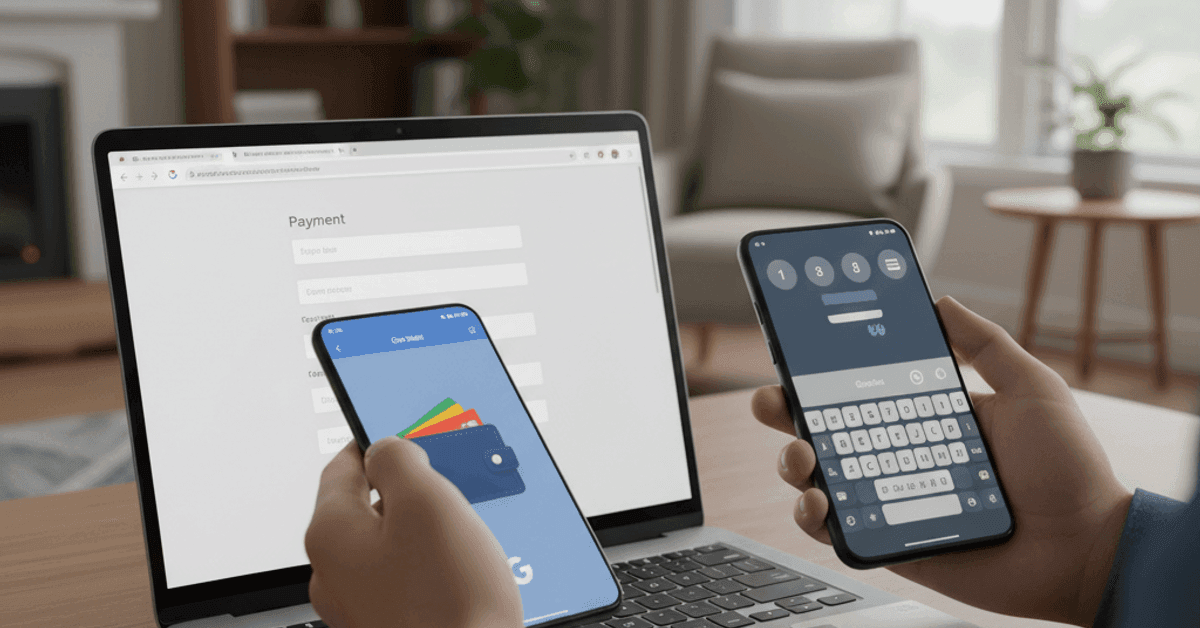
Google is rolling out Chrome autofill updates across desktop, iOS, and Android that pull more details from your Google Account and Wallet to streamline shopping and travel bookings. The changes promise faster checkouts, clearer suggestions on Android, and fewer mistakes when filling repetitive forms.
What the Chrome autofill updates change
Autofill now draws on your name, email, and saved home and work addresses from your Google Account when you are signed in. That means fewer taps and less time hunting for correct entries. It also reduces the chance of selecting the wrong contact or address.
On Android, Chrome expands the suggestion bar that appears above the keyboard into a two-line layout. Because each suggestion now shows more context, you can distinguish between similar entries at a glance. As a result, common errors like swapping home and office addresses should drop.
Google says these improvements aim to speed up routine web tasks like sign-ups, shipping forms, and reservations. Early details match what was previewed by independent coverage that highlights expanded autofill data sources and more legible pickers on mobile. For an overview of the rollout and screenshots, see reporting from The Verge, which notes the changes will make shopping and booking simpler on all platforms (The Verge).
Google Wallet integration and faster checkouts
Payment speed gains are front and center. Chrome increasingly taps Google Wallet to retrieve stored payment methods, which helps during checkout flows that previously required manual card entry. Consequently, you can move from cart to confirmation with fewer steps.
This approach also supports travel booking. Because Wallet and your Account can store addresses and contact details, Chrome can fill passenger names, phone numbers, and billing fields in one pass. In addition, clearer Android suggestions reduce scrolling and mis-taps on smaller screens.
You still control what data is saved and used. You can manage addresses, contact info, and payment methods in Chrome settings or your Google Account. For details on saving and managing payment methods, consult Google’s help pages, which explain toggles and verification prompts for each platform (Google Wallet Help; Chrome Autofill Help).
Privacy, security, and control
Autofill convenience raises familiar privacy questions. Therefore, it pays to check what Chrome stores and to enable extra protections. Strong screen locks, biometric confirmation for payments, and alerts for suspicious activity add layers of defense.
Chrome can require verification before filling sensitive fields, which reduces risk on shared devices. Moreover, you can remove outdated entries, disable autofill for payments, or limit data to a single profile. Because phishing remains a real threat, always verify the site domain before submitting forms. The Federal Trade Commission offers practical tips on reducing exposure and spotting scams during online checkouts (FTC Privacy Guidance).
Cross-device autofill sync benefits frequent travelers and remote workers. When you sign in on multiple devices, Chrome can bring your addresses and preferences along. Consequently, you avoid retyping the same information on phones, tablets, and laptops. Still, consider separating work and personal profiles to keep data compartmentalized.
Chamberlain’s lockout shows the other side of productivity
While Chrome makes daily web tasks faster, a high‑profile smart home shift illustrates how product decisions can cut the other way. Chamberlain Group’s latest Security+ 3.0 platform for its MyQ-powered garage door openers blocks popular aftermarket smart home controllers and their integrations. The move limits the ability to manage doors through third‑party platforms that many households rely on for routines and automations.
The company has increasingly focused on official channels that often require subscriptions, according to reporting, and the new radio platform shuts down established workarounds. As a result, smart home users may lose voice control or unified dashboard access if they upgrade to the newest openers. That affects everyday productivity because routine actions—like opening a garage when arriving home or tying door state to security scenes—now demand separate apps or paid services. Details on the rollout and compatibility changes are outlined here (The Verge).
Households should review ecosystem needs before purchasing new hardware. In addition, they should confirm whether official integrations meet their automation requirements, including multi-user access and reliability during outages. If core features sit behind subscriptions, total cost of ownership may rise and offset productivity gains.
How to get the most from the updates
Start by reviewing saved addresses and payment methods in Chrome. Remove duplicates and outdated entries so suggestions stay relevant. Because context matters, label addresses as “Home” or “Work” to help Android’s two-line suggestions surface the right option first.
Enable biometric confirmation for payments where available. That step adds a quick check without slowing you down. In addition, verify that only trusted profiles are signed in on shared devices. If you use separate profiles for work and personal browsing, keep autofill settings tailored to each.
For travel, prefill passenger profiles in Wallet or your Account. Consequently, booking flights and hotels will require fewer taps. On desktop, keep the browser updated so the latest autofill improvements and security fixes are in place.
What it means for everyday users
Small interface changes often deliver big time savings when multiplied across daily tasks. Chrome’s expanded data sources and clearer Android pickers should cut friction during checkout, sign-ups, and reservations. Meanwhile, the smart home landscape shows how platform choices can add friction if integrations shrink.
Users benefit when tools reduce steps without weakening privacy. Therefore, it is worth auditing browser and device settings as these changes roll out. With thoughtful configuration, Chrome’s latest autofill improvements can boost productivity across devices while keeping sensitive data under your control. If you depend on home automations, confirm that any planned hardware upgrades will not undercut those routines.
The net effect is clear. Browser-level refinements, reinforced by account-based data and secure verification, help the web feel faster and less error‑prone. At the same time, ecosystem lockouts can push tasks back into silos. Choosing services that respect interoperability and user control remains essential for sustainable productivity.